Just Bought a Home in Tampa? Rekey Before You Unpack
Rekey every exterior lock as soon as the house is yours, before the movers bring anything in. Then reset everything that opens with a code, and ask the HOA or condo association about fobs, gate remotes and the mailbox. As the lock maker Schlage puts it, “There's no telling who still has a key from before you moved in” (Schlage).
Below: who might still have access, which locks to rekey, how to reset codes, and a checklist made to print. Agents, title companies and home inspectors are welcome to share it with buyers.
By The Locksmith Shop, South Tampa ·
The short version: your move-in lock checklist
- Rekey every exterior door, including the door from the garage into the house.
- Reset keypads and smart locks: new programming code, old user codes and app accounts deleted.
- Erase the garage opener's remotes and keypad codes, then add back only yours.
- Ask the alarm company to put the account in your name, and change every code.
- Ask the HOA, condo association or property manager to shut off the old owner's fobs, gate remotes and access cards.
- Check the sliders, gates, sheds and mailbox.
Who could still have a key to your new home?
More people than you might think:
- The previous owners, their family, and the neighbors, sitters, cleaners and dog walkers they gave a spare.
- Agents and contractors: a lockbox may have held a key during the sale, and sellers are told to leave keys and garage door openers with their agent (Nationwide).
- The builder and subcontractors, if the house is new construction.
- Tenants or a property manager, if it was a rental.
Returned keys don't tell you how many copies exist, and old codes keep working too. As Kwikset puts it, “the person who has your key today may not be the same person you want to have your key tomorrow” (Kwikset). New construction has the longest list; see our notes on post-closing rekeys in Riverview and builder-grade locks in New Tampa.
Should you rekey or replace the locks after buying a house?
Rekey when the hardware works. Rekeying swaps the pins inside each cylinder so every old key stops working. Your deadbolts and handles stay put, so you aren't buying new hardware; at our shop, rekeying usually costs less than replacing a lock that still works, and you'll have a free quote before any work begins. Replace a lock that's worn, loose, damaged or corroded, or when you want an upgrade. Doors that share a keyway, usually the same brand, can all run on one key; a different brand may need a new cylinder. Our guide to rekeying vs. replacing locks goes deeper.
Which locks should you rekey after moving in?
Walk around the house and count every lock that takes a key:
- Front door. The deadbolt, plus the knob or lever if it has a keyhole.
- Back and side doors, including the one nobody uses.
- The door from the garage into the house. It's easy to forget.
- French or lanai doors with keyed locks.
- Sliding glass doors. Most use an inside latch, not a key: make sure it catches, and keep a bar or pin in the track. We repair or replace worn slider latches.
- Gates, sheds and the pool cage. Rekey a keyed-alike set of padlocks, or replace cheap ones. Test the pool gate latch and any pool-door alarms or self-closing latches too. Florida requires a new residential pool to have at least one safety feature to pass final inspection, such as a compliant barrier, exit alarms on the doors and windows that open to the pool, or self-closing, self-latching doors, so yours may rely on one (Fla. Stat. 515.27).
- Mailbox. A lock on your own mailbox is yours to rekey or replace (see our mailbox and garage lock service). On a cluster box, the lock may belong to the HOA, the property manager or the Postal Service, so check with them first; we may need their sign-off.
Our residential locksmith services cover rekeys, lock changes and deadbolt upgrades.
How do you reset a smart lock or keypad after buying a house?
Rekeying doesn't touch codes. If the house came with a keypad or smart lock, as many newer townhomes south of Gandy Boulevard do, get the manual and programming code from the sellers, then:
- Reset the programming or admin code.
- Delete every user code you didn't create.
- Remove any accounts the builder or previous owner set up in the lock's app.
- Rekey the backup key cylinder, if the lock has one.
Check the maker's guide before any factory reset. Schlage's guide for its BE365 and FE575/FE595 keypad locks says to delete all user codes when you don't know one, and warns against a factory reset without the default codes, which customer service can't retrieve (Schlage). A Kwikset SmartCode factory reset removes the lock from any smart-home system it was paired with (Kwikset), and pulling the batteries won't clear Kwikset Halo codes (Kwikset).
Treat the app like any connected device: change default passwords, use two-factor authentication and keep the firmware updated (FTC). We can do the reset and set the lock up on your phone, or install a new one; see keypad and smart lock installation and our smart locks guide.
How do you reset the garage door opener and keypad?
This is usually a do-it-yourself job, and an easy one to skip. The sellers' remotes, keypad code and car buttons may still open your garage, so erase everything stored in the opener, then add back only your own remotes, keypad PIN and car buttons. The manual explains how; two common brands:
- Chamberlain and LiftMaster. Hold the opener's LEARN button until its LED turns off, about 6 seconds, to erase every remote, keypad and previous code; Chamberlain lists moving into a new house as a reason to do it (Chamberlain). Unplugging the opener doesn't erase the remotes (Chamberlain). With myQ, only a factory reset removes the previous owner's account; a Wi-Fi reset won't (Chamberlain).
- Genie. Clearing a Genie belt or chain drive opener's memory wipes every remote, wireless keypad and car transmitter, but not Aladdin Connect app access (Genie manual). Pulling the batteries won't erase Genie's GK keypad; changing the PIN retires the old one (Genie).
The garage's keyed locks, like the door into the house, go on your rekey list.
Do you need to change the alarm codes?
Yes. Ask the sellers who monitors the system, then call that company to put the account in your name or cancel it. Change the master and user codes, and remove old app users and contacts. Some alarm codes open doors too: SimpliSafe's Master PIN also unlocks a SimpliSafe Smart Lock, and a new resident sets up their own account (SimpliSafe). Inside Tampa city limits, a home alarm needs no permit, and Tampa Police ask that everyone in the house knows how to use it (City of Tampa). Outside Tampa city limits, check with your county or city.
Who resets HOA or condo fobs, gate remotes and mailbox keys?
The association or property manager keeps the access list. Ask them to shut off the previous owner's fobs, access cards, gate remotes and amenity keys, issue yours, and update the gate code or guest list. A fresh condo fob needs building management's authorization; with it, we program replacement fobs for most condo systems (see condo fob programming).
Mailboxes depend on who owns the box. The Postal Service doesn't sell or provide personal mailboxes (USPS), so one on your property is yours. On a USPS-owned cluster box, the Post Office changes the lock before reissuing it (USPS); on a privately owned one, the builder or property owner handles lock and key service (USPS), so ask the HOA or manager.
Closing-day checklist: rekey before you unpack
Print this page and tick things off as you go, or keep it open on your phone.
Before closing: ask the seller or agent
- How many keys, garage remotes, fobs and mailbox keys you'll get.
- Which locks have keypads or smart features, their admin codes, and the manuals.
- Who monitors the alarm.
- Who manages HOA or condo access, and who owns the mailbox.
- New construction: which keypads and smart locks the builder set up.
Closing or move-in day
- Collect and label every key, remote, fob and code.
- Rekey or replace every exterior lock before the movers arrive.
- Reset smart locks and keypads.
- Erase and re-pair the garage remotes, keypad and car buttons.
- Change the alarm codes.
First week
- HOA or condo: old fobs off, yours registered.
- Mailbox: confirm who owns the lock.
- Gate and shed padlocks, plus the pool gate latch.
- Slider latch, plus a bar or pin in the track.
- Give new keys and codes only to people who need them, and keep a list.
When should you call a locksmith?
Opener resets and keypad codes are manageable with the manuals. A Kwikset SmartKey lock can be rekeyed by its owner with a working key and Kwikset's tool; without a working key, Kwikset suggests your builder or a locksmith (Kwikset). Call a locksmith when:
- You want one key for every door, especially with mixed brands.
- A smart lock won't give you admin access, or its backup cylinder needs rekeying.
- The hardware is worn or corroded; Tampa's humidity and salt air are hard on locks.
- You want a sturdier deadbolt or a high-security cylinder with restricted keys.
- You bought a duplex or rental and want a master key system for rekeys between tenants.
Whoever you call, here's how to check out a locksmith before you hire one. Our quotes are free by phone or through our contact form, and you'll have the price before any work begins.
Can you walk in to plan a rekey?
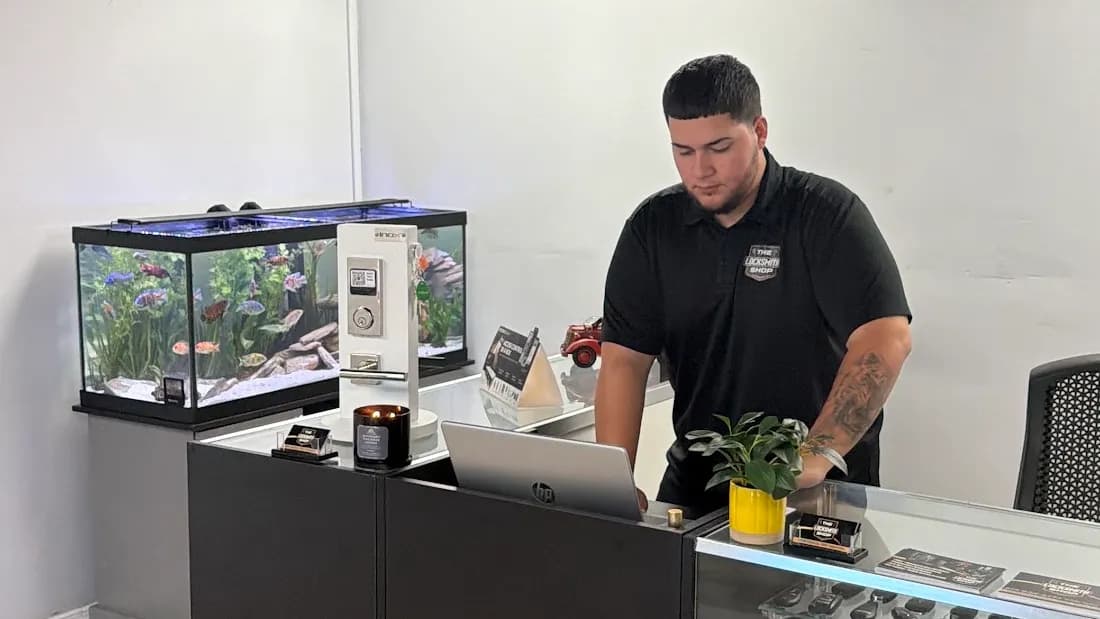
Yes. Our walk-in storefront is at 4556 S Manhattan Ave, Tampa, FL 33611, and walk-ins are welcome Monday through Saturday, 8am to 8pm; we're closed Sunday. Bring photos of each exterior door, its lock and any keypad. We'll tell you which doors can share one key and quote the job before any work begins, then we come to the house.
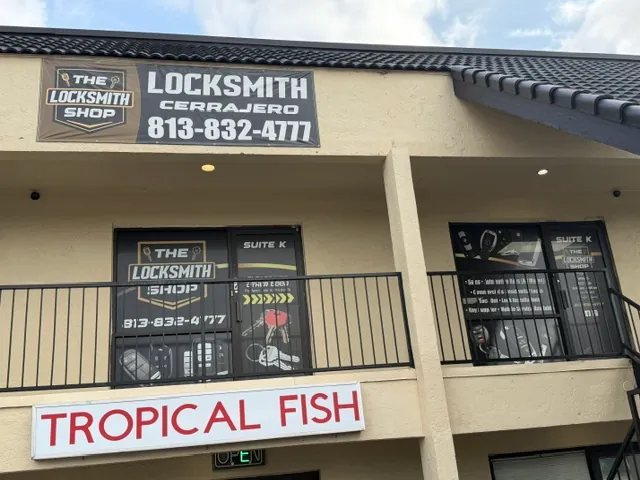
We're a family-owned Tampa locksmith, serving Tampa Bay since 2009. We're insured and bonded, our technicians are background-checked, and we work in English or Spanish. Moving in near MacDill AFB or elsewhere in South Tampa? See our South Tampa locksmith shop.
For real estate agents, title companies and home inspectors
You're welcome to link to this checklist from a resources or vendor page, or print it for your buyers. It's written to be useful whichever locksmith they call. Questions? Call us at (813) 832-4777.
Frequently Asked Questions
How soon should you rekey after buying a house?
As soon as the house is yours, ideally on closing day or before the movers bring anything in. Until the locks are rekeyed, every key the previous owners, builder, contractors or agents handed out still works.
Do you need to rekey a brand-new construction home?
Yes. While a house is built and sold, builders, subcontractors and agents may all have had keys or codes. Rekey every exterior lock, and reset any keypad or smart lock the builder installed.
What should I get from the seller at closing?
Every key, garage remote, fob and mailbox key, plus the admin codes and manuals for any keypad or smart lock. Ask who monitors the alarm and who manages HOA or condo access. On new construction, ask which keypads and smart locks the builder set up. Then rekey anyway: returned keys don't tell you how many copies exist.
Can I rekey the locks myself?
If they're Kwikset SmartKey locks, you can: Kwikset says you need the current working key and the SmartKey tool. Without a working key, Kwikset suggests contacting your builder or a locksmith. For other locks, or to put every door on one key, call a locksmith.
Who changes the mailbox lock, gate remote or condo fob?
A mailbox lock on your own property is yours to rekey or replace. Cluster mailboxes, gate remotes, access fobs and amenity keys usually belong to the HOA, the condo association or the property manager, and a cluster mailbox lock may belong to the Postal Service, so start with them. For fobs, building management keeps the access list; with their authorization, we can program replacement fobs for most systems.
Do I need to reset the garage door opener after moving in?
Yes. Erase every remote and keypad code stored in the opener, then add back only your own remotes, keypad PIN and car buttons. The opener's manual explains how. Don't count on unplugging it: Chamberlain says that doesn't erase the remotes on its openers.
Just Closed on a Tampa Home?
Tell us how many exterior doors you have and what's on them now. Call (813) 832-4777 for a free quote, or walk in to our shop on S Manhattan Ave with photos of your doors and locks.
Walk-ins welcome at 4556 S Manhattan Ave, Tampa, FL 33611Monday–Saturday 8am–8pm · Closed Sunday · Insured & bonded