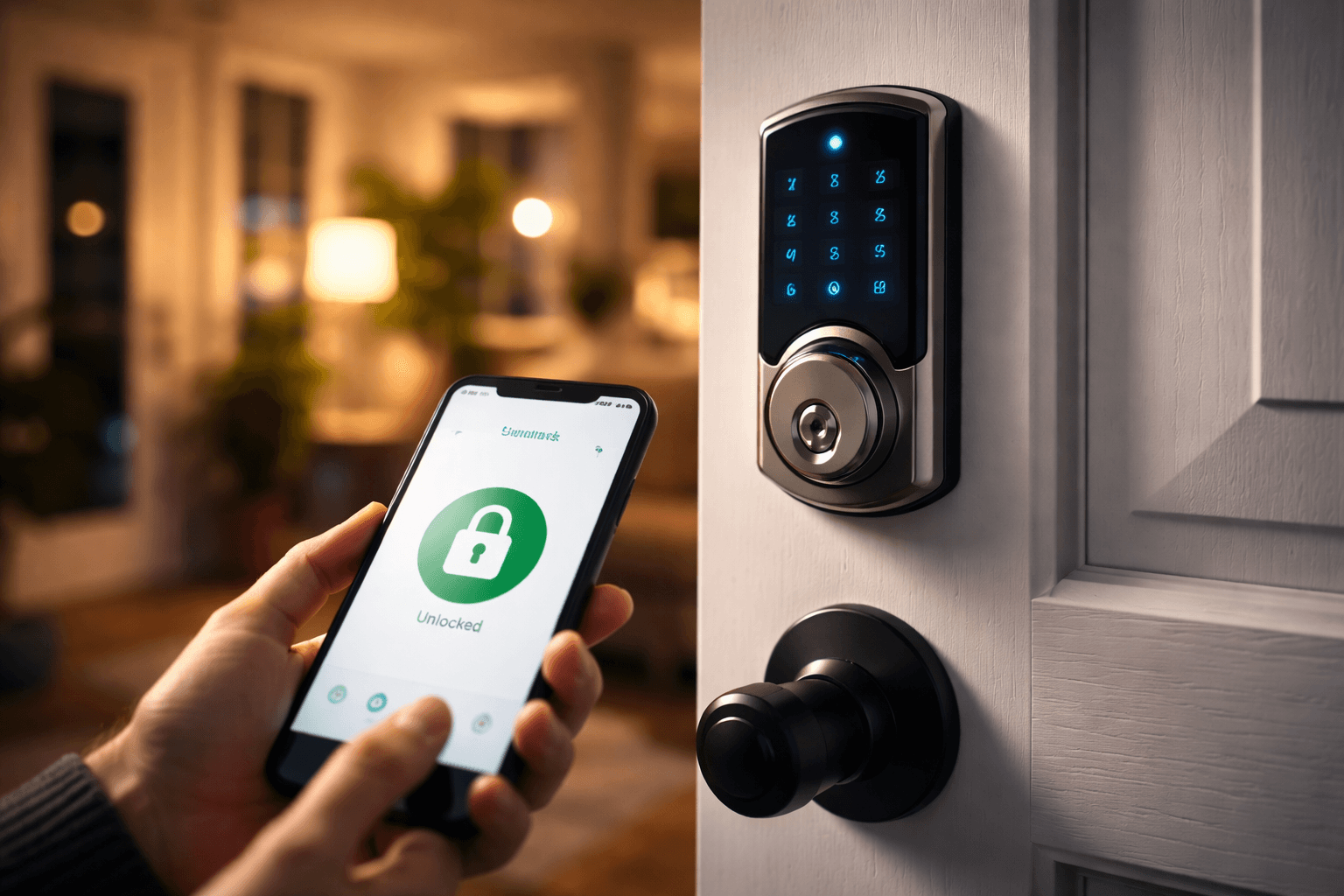
The Complete Guide to Smart Locks for Tampa Homes
Smart locks are transforming home security across Tampa Bay. Whether you want keyless convenience, remote access for guests, or just peace of mind knowing you can check your lock from anywhere, this guide covers everything you need to know before making the switch.
Types of Smart Locks
Not all smart locks work the same way. Understanding the different types will help you choose the right one for your Tampa home.
Keypad/Touchscreen Deadbolts
Enter a numeric code on a backlit keypad or touchscreen to unlock. No phone or Wi-Fi required. Great for families who need to share multiple codes with kids, housekeepers, or dog walkers. Many models let you create temporary codes that expire after a set time.
Bluetooth Smart Locks
Unlock with your smartphone via Bluetooth when you're within close range (typically 20-40 feet). These are simple, battery-efficient, and don't require a Wi-Fi connection. The downside is you can't control them remotely unless paired with a Wi-Fi bridge.
Wi-Fi Connected Locks
Connect directly to your home's Wi-Fi network for full remote control from anywhere in the world. Lock and unlock your door, check status, and receive real-time alerts on your phone. They use more battery power than Bluetooth-only models.
Retrofit Smart Locks
Install over your existing deadbolt without replacing the exterior hardware. These mount on the inside of your door and motorize your current lock. They're ideal if you rent or want to keep your existing keyed entry as a backup.
Biometric (Fingerprint) Locks
Use your fingerprint to unlock the door in under a second. No codes to remember, no phones to carry. Most store 50-100 fingerprints so the whole family (and trusted visitors) can have access. Tampa's humidity can occasionally affect older fingerprint sensors, so choose a newer model with a quality scanner.
Top Smart Lock Brands We Recommend
After installing thousands of smart locks across Tampa Bay, these are the brands we trust and recommend to our customers.
Schlage Encode Plus
The gold standard for residential smart locks. Built-in Wi-Fi, Apple Home Key support, and ANSI/BHMA Grade 1 security rating (the highest available). The Encode Plus handles Tampa's heat and humidity without issue thanks to its weather-resistant construction. Ideal for homeowners who want the best security with full smart-home integration.
Yale Assure Lock 2
Sleek, modern design with modular connectivity. Choose Bluetooth, Wi-Fi, or Matter support. Works seamlessly with Apple HomeKit, Google Home, Amazon Alexa, and Samsung SmartThings. Available in touchscreen or keypad variants with a slim profile that looks great on any door.
August Wi-Fi Smart Lock (4th Gen)
The best retrofit option on the market. Installs in minutes over your existing deadbolt, keeping your exterior hardware unchanged. Built-in Wi-Fi (no bridge needed), auto-lock, auto-unlock based on GPS, and DoorSense technology that tells you if your door is actually closed and locked. Perfect for renters or anyone who wants a simple upgrade.
Kwikset Halo
An excellent mid-range option with built-in Wi-Fi and Kwikset's patented SmartKey Security, which provides strong protection against lock bumping and picking. The Halo also supports Kwikset's re-key technology, allowing you to rekey the lock yourself in seconds. Great value for Tampa homeowners on a budget.
Pros and Cons of Smart Locks
Advantages
- +No more lost or forgotten keys
- +Share temporary access codes with guests and service providers
- +Lock and unlock remotely from anywhere
- +Activity logs show who entered and when
- +Auto-lock feature prevents accidentally leaving doors unlocked
- +Integration with smart home systems and voice assistants
- +Increased property value and modern appeal
Considerations
- –Battery-powered (need to replace batteries every 6-12 months)
- –Higher upfront cost than traditional locks
- –Wi-Fi models depend on a stable internet connection
- –Software updates required to maintain security
- –Some models may have slight lag in response time
- –Potential vulnerability to hacking (mitigated by reputable brands)
Smart Lock Installation: DIY vs. Professional
Most smart locks are marketed as DIY-friendly, and many homeowners can handle a basic swap. However, there are several situations where professional installation is the smarter choice:
- Your door or frame is warped, misaligned, or damaged (common in older Tampa homes with humidity exposure)
- You're upgrading from a knob-only setup and need a new deadbolt bore drilled
- You want to integrate the smart lock with an existing alarm or smart home system
- The lock requires specific backset or door thickness measurements
- You're installing multiple locks across your home or business
- You want to ensure the lock is properly calibrated for reliable auto-lock and auto-unlock
Planning more than one smart lock, like keypad entry on every exterior door, or key fob and key card access for an office? Our keyless entry and access control page covers how we handle those installs across Tampa.
Why Hire a Professional Locksmith for Smart Lock Installation?
A professional locksmith does more than just install a lock. When you hire The Locksmith Shop, we assess your entire door and frame, verify compatibility, and ensure perfect alignment for years of trouble-free operation. We also:
- Recommend the best smart lock for your specific door type, lifestyle, and budget
- Ensure proper weatherproofing (critical in Tampa's climate)
- Set up your smart lock app, codes, and integrations on the spot
- Test the lock thoroughly, including auto-lock, auto-unlock, and manual override
- Provide a warranty on both the lock and our installation labor
- Offer ongoing support if you ever need codes changed, batteries replaced, or firmware updated
Ready to Upgrade to a Smart Lock?
Let The Locksmith Shop help you choose and install the perfect smart lock for your Tampa home. We carry all major brands and provide expert installation with a satisfaction guarantee.