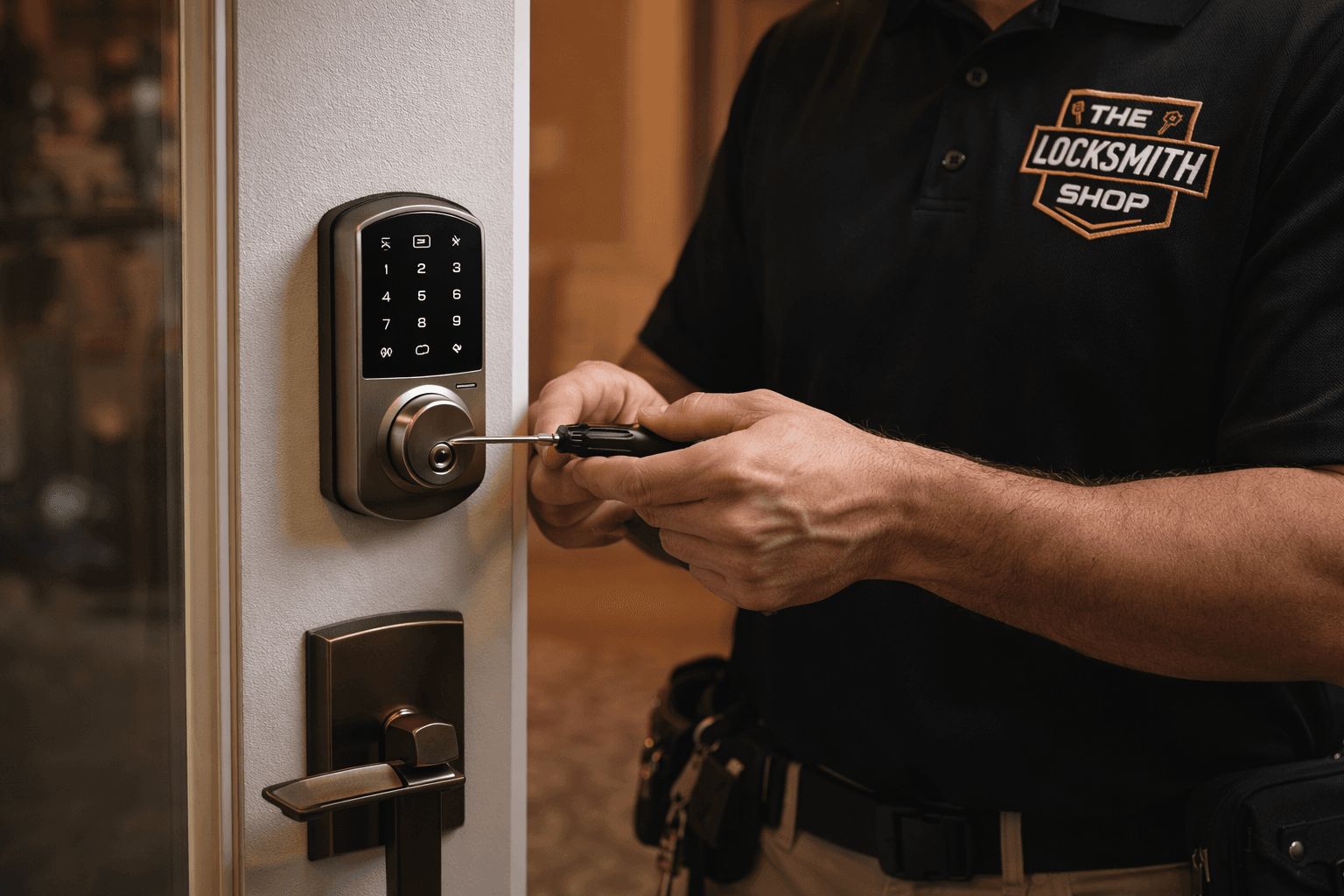
Keyless Entry & Access Control in Tampa
Keypad and smart locks for your front door. Key fob, key card, and keypad entry for your business. Talk it through with us by phone, then we install and set it up on-site, Monday through Saturday, 8am to 8pm.
Keyless Entry, From One Front Door to a Whole Office
Keyless entry is a broad term, and the right setup depends on the door and the people who use it. For a house, it usually means a keypad deadbolt or a smart lock you can run from your phone. For a business, it can be a single keypad lock on the back door, or a key fob and key card system that covers every entrance and keeps a record of who came through. The Locksmith Shop installs and services all of it for homes and businesses across Tampa, and we'll point you to the simplest setup that solves the problem you actually have.
Keypad & Smart Locks for Your Front Door
Front door keypad entry is where most Tampa homeowners start. A keypad deadbolt replaces the key you'd otherwise hide under a flowerpot: everyone in the house gets a code, and the dog walker, house cleaner, or contractor can get one that you delete when the job is done. Keypad-only models run on batteries and need no Wi-Fi or phone at all.
If you want to control your door lock from your phone, a smart lock adds that layer. Wi-Fi and Bluetooth models such as the Schlage Encode, Yale Assure, Kwikset Halo, and August let you lock and unlock from an app, send a guest a temporary code, set the door to auto-lock behind you, and see who came and went. Most pair with HomeKit, Alexa, or Google Home, depending on the model.
Tampa is hard on door hardware. Summer humidity and afternoon storms swell doors and pull them out of line, and a smart lock whose bolt drags will drain its batteries and miss its auto-lock. Before we mount anything, we check how the door hangs and how the bolt meets the strike, and we fix the door first if it needs it.
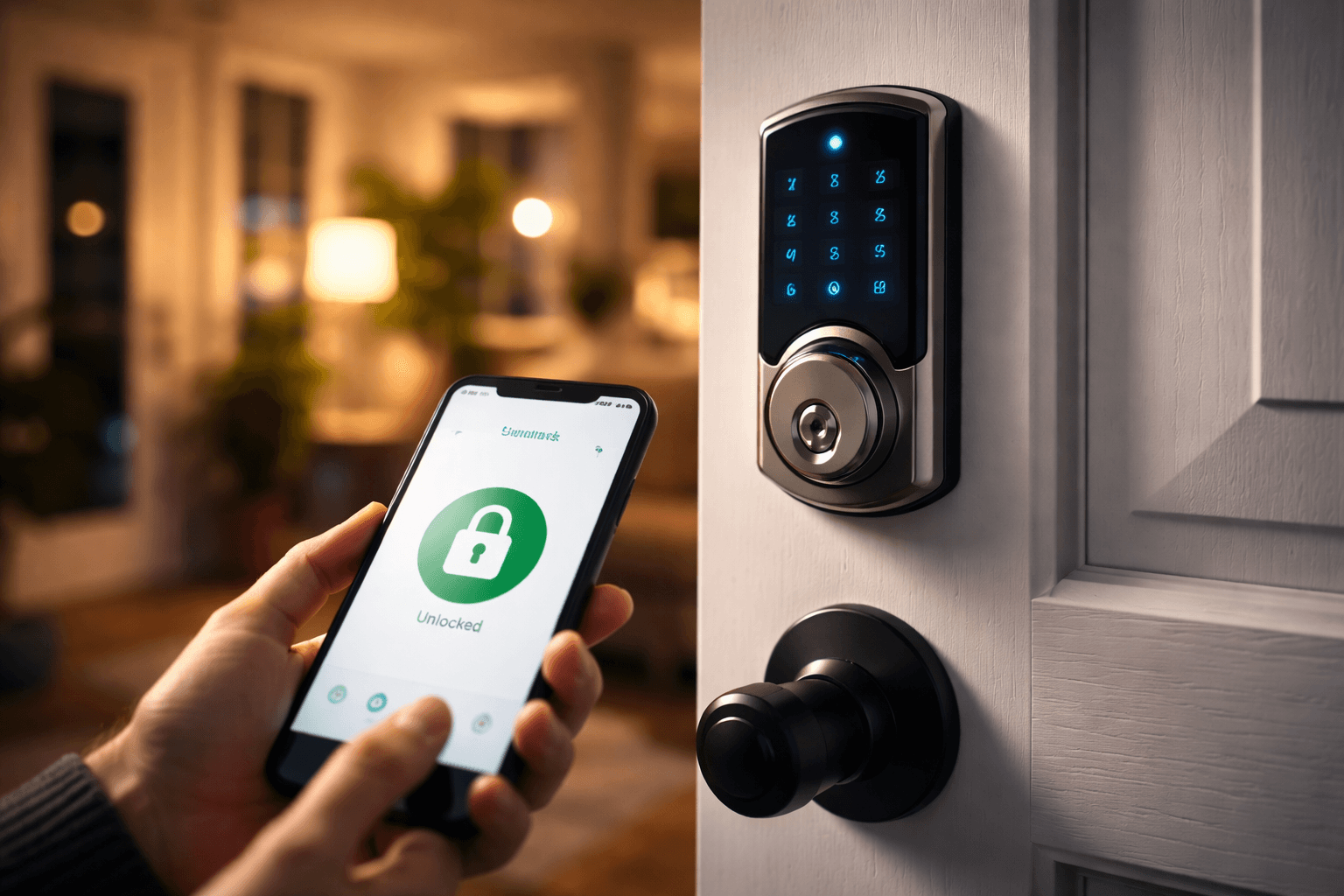
- Keypad deadbolts and touchscreen locks
- Wi-Fi and Bluetooth smart locks you control from your phone
- Retrofit smart locks that mount over your existing deadbolt
- Smart-home pairing with HomeKit, Alexa, or Google Home
- Codes and app set up with you before we leave
- Backup cylinders keyed to your existing house key where the lock allows
Key Fob, Key Card & Keypad Entry for Tampa Businesses
The trouble with brass keys at a business is that you never really know how many are out there. Keyless entry swaps them for codes or credentials you can switch off the moment someone leaves. We install the full range for Tampa offices, shops, medical suites, warehouses, and multi-tenant buildings, and for the rest of your building's hardware, see our commercial locksmith services.
Keypad Locks for Offices
A standalone commercial keypad lever or deadbolt from the Schlage, Yale, or Kwikset commercial lines, mounted on a standard door with no wiring and no network. Each employee gets a personal code, and deleting one code doesn't touch anyone else's. Often the right fit for a single office door, a stockroom, or a back entrance.
Key Fob & Key Card Door Systems
A reader at each controlled door and a credential for each person. Issue or cancel a fob or card in seconds, set doors to unlock on a schedule during business hours, and keep a record of which credential opened which door and when. Suited to suites with several doors and buildings with several tenants.
Electronic Locks & Phone Access
Electronic locks for server rooms, supply rooms, and private offices inside the suite, plus smartphone credentials so an owner can let in a delivery or a contractor remotely and set access that expires on its own.
Keyless Building Entry
Keyless entry for a building's main entrance and side doors, with the mechanical side done right too. A reader is only as dependable as the latch, strike, and door closer it controls, and we service all three.
Start With a Consult
Keyless hardware is easier to choose after a real conversation. Call (813) 832-4777 and have a photo handy of your door, the edge where the bolt sits, and the lock that's on it now. We'll talk through keypad versus smart lock, Wi-Fi versus Bluetooth, and, for businesses, standalone keypads versus a card or fob system.
Then we come to you. A tech installs the hardware on-site, sets up the codes, credentials, or app, tests everything with the door closed and locked, and shows you how to add and remove users. For businesses with several doors, we walk the building first and hand you a written quote before any work begins. We also service keyless locks we didn't install: dead keypads, locks that stopped connecting to the app, fobs that need reprogramming, and bolts that no longer throw cleanly.
How It Works
- Step 1
Tell Us About the Door
Call (813) 832-4777. Tell us which doors, who needs access, and whether you want phone control.
- Step 2
Get a Clear Quote
We quote before any work begins. Single doors can usually be quoted on the phone; multi-door business systems get a walkthrough and a written quote.
- Step 3
Install & Set Up
We check the door, install the hardware, and program codes, credentials, or the app with you, then test it with the door closed and locked.
- Step 4
Ongoing Support
Need a code changed, a fob reprogrammed, or a lock serviced later? Call us Monday through Saturday, 8am to 8pm.
Ready to Go Keyless?
Call and tell us about the door. A real locksmith answers Monday through Saturday, 8am to 8pm, and quotes the work before anything is installed.
Call (813) 832-4777Keyless Entry Questions
Do keypad door locks need Wi-Fi?+
No. A keypad-only deadbolt runs on batteries and works without Wi-Fi, an app, or a phone. Wi-Fi and Bluetooth models add phone control, alerts, and remote codes, and we'll help you decide whether that's worth it for your door.
Can I control my front door lock from my phone?+
Yes, with a smart lock. Depending on the model, you can lock and unlock from an app, send temporary codes, get alerts, set auto-lock, and check a log of who came and went. We install the lock, connect it to your phone and Wi-Fi, and walk you through the app before we leave.
What's the difference between a keypad lock and a key card or key fob system for an office?+
A keypad lock is self-contained: codes live in the lock and are managed at the door, which works well for one or two doors. A key card or key fob system uses readers and credentials you manage centrally, so you can schedule when doors unlock, cancel a lost card right away, and see which credential opened which door. We'll recommend the one that fits your building.
Can you add keyless entry to my existing door?+
Usually. Most keypad and smart deadbolts fit the standard holes already in a residential door, and retrofit smart locks mount over your existing deadbolt on the inside. Commercial keypad locks fit standard commercial door preps. If your door needs adjustment or new prep work, we'll tell you before we start.
How much does keyless entry cost?+
It depends on the hardware, the number of doors, and whether the door needs work first, so we don't post prices. Call (813) 832-4777 for a free quote. Single doors can usually be quoted on the phone, and multi-door business systems get a walkthrough and a written quote before any work begins.
Can I talk it through before anything is installed?+
Yes. Call (813) 832-4777 and tell us about the door and the lock on it now. A photo helps. We'll walk you through the options on the phone, and for multi-door business systems we look at the building first. We're open Monday through Saturday, 8am to 8pm, and closed Sundays.
Related Services & Guides
Get a Free Quote
Fill out the form or call us directly. We respond to all inquiries within 15 minutes.